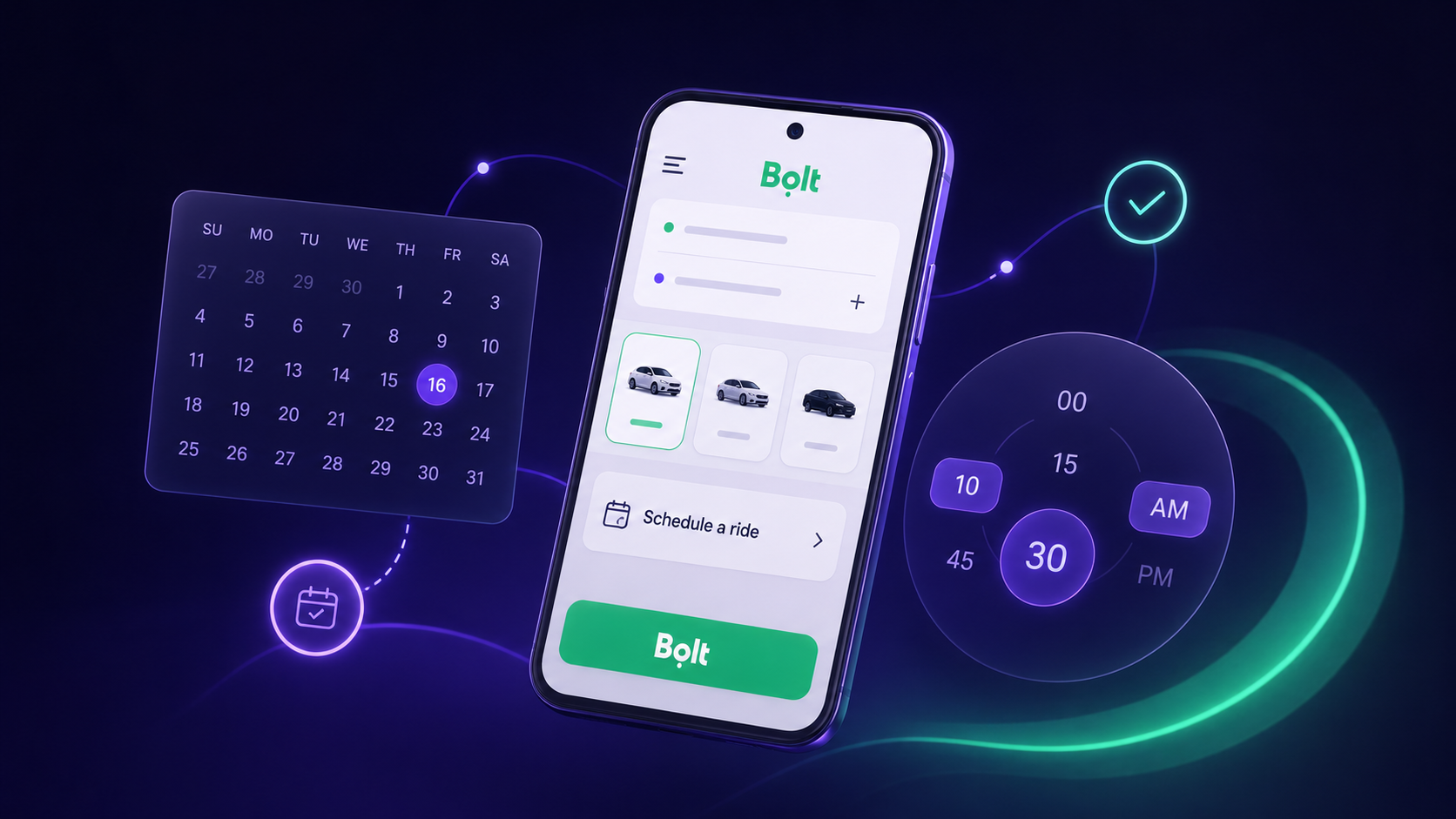
How AI Testing Agents Handle Date and Time Pickers in Mobile Apps
Shachar Landshut
Co-founder @ Loadmill | Building agent-based testing (CUA) |
Scheduling a ride for later looks simple from a user’s perspective.
Choose a pickup location, select a destination, pick a future date and time, review the booking, and continue.
For mobile test automation, that same journey can be surprisingly difficult.
The flow crosses multiple screens, depends on application state, and requires interaction with native date and time controls. The test must preserve the selected values throughout the journey and verify that the final booking preview reflects the intended schedule.
This makes ride scheduling a useful example of where agent-based mobile testing can help.
Why Scheduling Flows Are Difficult to Automate
Date and time pickers are not ordinary input fields.
Their appearance and behavior can change depending on:
- The current date and time
- The month displayed when the picker opens
- The device and operating-system version
- The application language and locale
- The type of calendar or clock control being used
- The values selected earlier in the flow
A test may need to navigate to another month, identify the correct day, switch between hour and minute selection, confirm the value, and return to the application without losing context.
Each individual interaction may be straightforward. The difficulty comes from maintaining the complete journey.
The Test Is About More Than Choosing a Date
In a ride-scheduling workflow, selecting a date and time is only one part of the scenario.
The test also needs to:
- Open the ride-booking flow
- Select the correct pickup location
- Select the destination
- Open the scheduling controls
- Choose a future pickup date
- Set the pickup time
- Return to the booking flow
- Verify the estimated arrival time
- Confirm that the booking preview contains the expected details
The final screen is what connects the individual interactions into a meaningful test.
Selecting a date successfully does not prove that the application retained it. Selecting a time does not prove that the ride is now scheduled for later rather than requested immediately.
The test only becomes useful when the final application state is validated.
Watch Droid CUA Schedule a Future Ride in Bolt
In this demo, Loadmill Droid CUA executes a complete future ride-scheduling flow in Bolt.
The agent selects the pickup and destination locations, operates the native calendar and clock controls, and verifies the estimated arrival time and final booking preview.
The example shows why visual interaction alone is not enough.
The agent needs to understand where it is in the journey, preserve the values selected across multiple steps, and verify that the resulting booking state matches the requested scenario.
How an Agent-Based Test Approaches the Flow
Traditional mobile automation often requires the interaction path to be described in detail before execution begins.
The test may define how to locate each control, which action to perform, when to wait, and how to move from one screen to the next.
An agent-based test starts from the intended behavior.
For example:
Schedule a ride from the specified pickup location to the specified destination for tomorrow at 10:30 AM. Verify that the booking preview displays both locations, the scheduled pickup time, and the estimated arrival time. Do not confirm the booking.
The agent then interprets the interface it encounters and chooses the interactions required to complete the scenario.
This is particularly useful for visual controls whose state changes from run to run.
Maintaining Context Across Native Controls
Mobile journeys often move between application screens and platform-level controls.
Date and time pickers are one example, but the same challenge appears with:
- Permission dialogs
- Notification panels
- Photo and file selectors
- Share dialogs
- Keyboards
- Location settings
- Biometric prompts
These controls are part of the user journey even when the application does not fully own their implementation.
A useful mobile test needs to move through those transitions and return to the application in the correct state.
For the Bolt scenario, that means leaving the booking screen, operating the date and time controls, returning to the application, and confirming that the selected schedule has been applied.
Why Explicit Validation Matters
An agent completing the sequence of actions is not the same as the application reaching the correct outcome.
The test needs observable completion criteria.
A weak instruction might say:
Verify that the ride was scheduled correctly.
A stronger instruction identifies the evidence the test should look for:
Verify that the booking preview shows the selected pickup and destination locations, the future pickup time, and the estimated arrival time.
This makes the result easier to understand and easier to investigate when something fails.
The test can distinguish between a missing location, an incorrect time, an unexpected screen, and a booking flow that did not reach the preview stage.
Where This Use Case Applies Beyond Ride Scheduling
The same pattern appears in many mobile applications.
Examples include:
- Scheduling a food delivery
- Booking a hotel or flight
- Reserving an appointment
- Choosing a delivery window
- Setting a reminder
- Scheduling a bank transfer
- Planning a pickup or return
- Creating a calendar event
These journeys all combine visual controls, changing state, and downstream validation.
The test must do more than operate the picker. It must confirm that the selected date and time affect the application in the expected way.
What to Evaluate in a Date and Time Flow
When evaluating an agent-based test for this type of scenario, consider more than whether one run succeeds.
Useful variations include:
- A date later in the current month
- A date in the following month
- A time before noon
- A time after noon
- A date near the end of the month
- A different device or screen size
- A different application language or locale
- A flow after reopening the application
These variations help reveal whether the test can interpret the control across changing states rather than succeeding only under one narrow configuration.
From Visual Interaction to a Complete Mobile Test
Date and time pickers are a strong example of what makes mobile testing different from simple browser automation.
The controls are visual, stateful, and often provided by the operating system. They sit inside a larger application journey whose final state still needs to be verified.
An AI testing agent can approach the flow from the intended outcome, interpret the live interface, and continue across multiple steps without requiring every interaction to be encoded in advance.
The important result is not that the agent managed to select a date.
It is that the agent completed the full scheduling journey and verified that the application reached the expected booking state.
Try the Flow With Droid CUA
Droid CUA lets teams describe mobile scenarios in natural language and execute them against live application interfaces.
Start with a journey that includes a difficult visual control, define the expected outcome clearly, and evaluate whether the resulting test can be repeated and investigated when it fails.
Try Loadmill's Droid CUA
Turn Jira stories, epics, and plain-English requirements into executable flows across web and mobile platforms.
Download now