How AI Testing Agents Actually Work (No BS Guide)
Shachar Landshut
Co-founder @ Loadmill | Building agent-based testing (CUA) |
How AI Testing Agents Actually Work (No BS Guide)
AI testing agents are getting a lot of attention.
Most explanations sound vague:
- They behave like humans
- They use AI to test apps
- They remove the need for scripts
That is directionally true, but not useful.
If you are building or maintaining test automation, the real question is:
What actually happens when a test runs?
This guide breaks down the execution model without hand-waving.
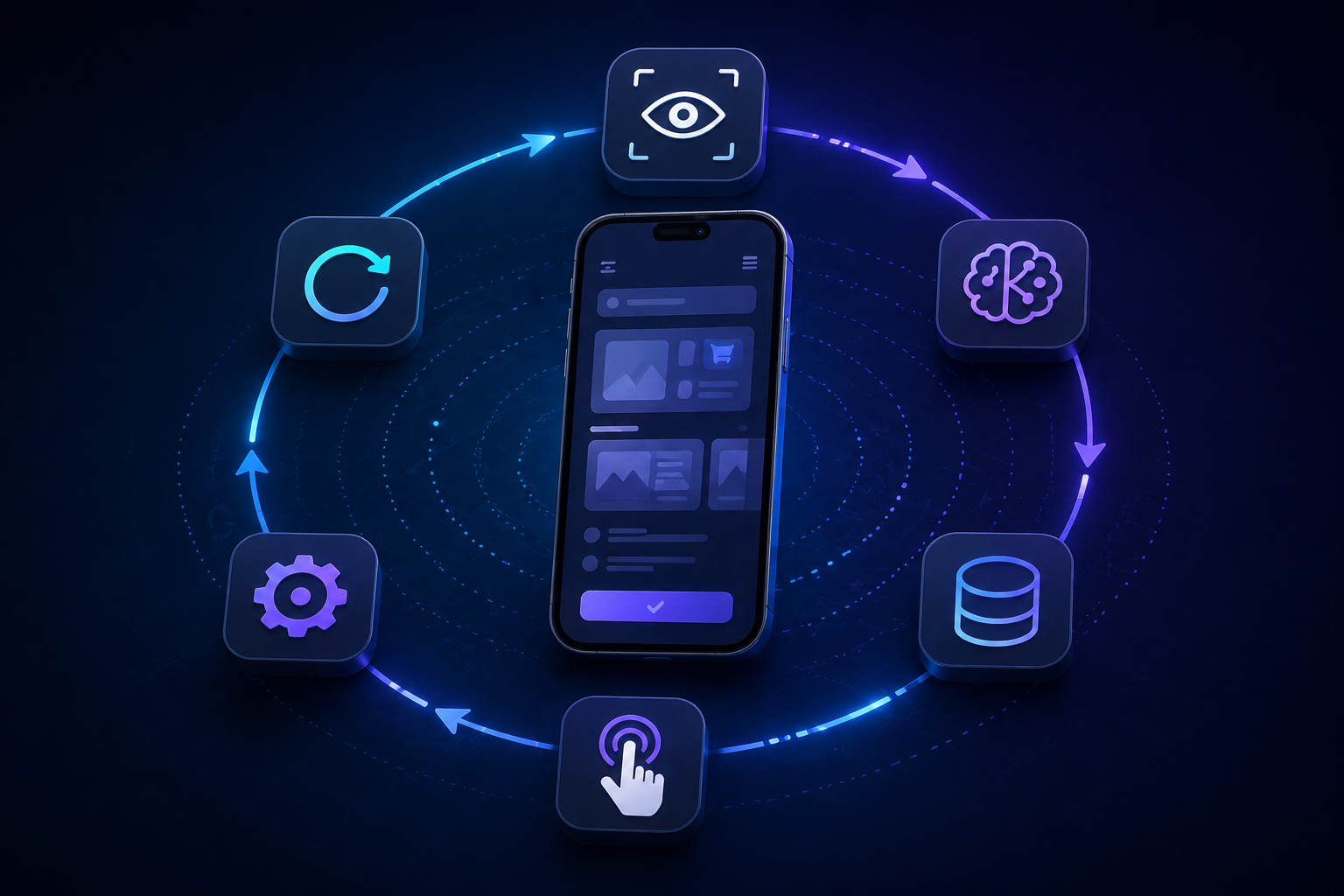
The Core Execution Loop
At runtime, an AI testing agent operates in a loop:
- Capture the current screen
- Interpret the instruction
- Combine with available context
- Select the next action
- Execute the action
- Capture the new screen
- Repeat
There is no hidden script.
Every step is a fresh decision based on the current state.
The Agent Sees Pixels, Not Structure
The agent does not interact with:
- DOM trees
- element IDs
- XPath or selectors
It receives a screenshot.
This has two important implications:
- Only visible elements exist
- Hidden state is inaccessible
There is no direct access to application internals.
All decisions are based on what is rendered on screen.
Instructions Are Interpreted, Not Executed
An instruction like:
Search for a product, add it to the cart, and verify the priceis not executed step by step.
It is interpreted.
The agent must resolve:
- where the search UI is
- how to trigger search
- what qualifies as a product
- what “verify the price” means on screen
This is why instruction clarity directly affects reliability.
Context Acts as a Knowledge Layer
Without selectors, the agent needs additional information.
This is provided through context.
Context typically includes:
- available test accounts
- user roles and permissions
- navigation structure
- domain-specific terminology
- expected success signals
Example:
If the instruction is:
Sign in as a premium userThe agent needs context to resolve:
- which credentials to use
- what defines “premium”
Without context, the agent guesses.
With context, behavior becomes consistent.
Action Selection Is Dynamic
At each step, the agent selects one action:
- tap
- type
- scroll
- wait
- verify
This is not a replay of recorded steps.
It is a decision based on:
- current screen
- instruction intent
- context
This is what allows adaptation to UI changes.
Why This Model Handles Dynamic UI Better
Traditional automation assumes a fixed path.
AI agents do not.
If a popup appears:
- the agent sees it
- decides whether it blocks the goal
- handles it
If the layout changes:
- the agent re-evaluates the screen
- finds the relevant element again
This reduces failures caused by structural changes.
Common Failure Modes
1. Vague Instructions
Example:
Complete checkoutProblem:
- multiple paths
- unclear success criteria
Fix:
- break the flow into clearer steps
- define what success looks like on screen
2. Ambiguous UI
If multiple elements match visually, the agent may choose incorrectly.
Fix:
- use exact labels
- add positional hints
- clarify the expected outcome
3. Missing Context
Without context, the agent cannot resolve domain-specific decisions.
Fix:
- define accounts, roles, environments, and product-specific terminology
4. Weak Assertions
If success is not observable, validation fails.
Fix:
- assert visible outcomes such as screen titles, labels, statuses, messages, or badges
What Changes for QA Engineers
The role shifts from:
- writing scripts
- managing selectors
to:
- defining intent
- designing clear instructions
- ensuring observable outcomes
This is not less technical.
It is a different kind of technical work.
What AI Testing Agents Are Not
They are not:
- fully autonomous
- immune to ambiguity
- a replacement for test design
They still require:
- clear instructions
- good context
- iteration
The Bottom Line
An AI testing agent is a system that:
- observes the UI
- interprets intent
- decides actions
- executes them
- adapts to change
Once this loop is understood, debugging and test design become predictable.
Try Loadmill Droid CUA
Loadmill Droid CUA executes mobile tests using AI agents that interpret instructions, adapt to UI changes, and validate real user flows on actual devices.
Instead of maintaining selectors and scripts, QA engineers define intent and validate outcomes.
FAQ
How do AI testing agents differ from traditional automation?
Traditional automation follows predefined scripts using selectors. AI testing agents interpret instructions and decide actions dynamically based on the current screen.
Do AI testing agents access the DOM?
No. They operate on screenshots and visual understanding, not DOM structure or selectors.
Why is context important in AI testing?
Context provides application-specific knowledge such as accounts, roles, environments, navigation, terminology, and expected behavior. Without it, the agent cannot make consistent decisions.
Are AI testing agents reliable?
They are reliable when instructions are clear, UI signals are visible, and context is well-defined. Most failures come from ambiguity, missing context, or weak assertions.
What kind of tests are best suited for AI agents?
AI agents are best suited for mobile user flows with dynamic UI, popups, conditional screens, frequent layout changes, or high locator maintenance.
Do AI testing agents replace Appium?
Not always. Appium is still useful for deterministic, low-level automation. AI testing agents are better suited for intent-driven user flows where visual adaptation and faster test creation matter.
How do AI testing agents handle flaky mobile UI?
They re-evaluate the screen after each action instead of assuming a fixed path. This allows them to handle some layout changes, popups, and dynamic states more naturally than selector-based scripts.
What makes an AI testing agent fail?
Common causes include vague instructions, ambiguous UI, missing context, and assertions that do not describe a visible outcome.
Try Loadmill Droid CUA
Turn Jira stories, epics, and plain-English requirements into executable flows across web and mobile platforms.
Download now