How to Write Mobile Tests in Plain English That Actually Work
Shachar Landshut
Co-founder @ Loadmill | Building agent-based testing (CUA) |
How to Write Mobile Tests in Plain English That Actually Work
“Write tests in plain English.”
It sounds simple.
In reality, most teams try it once, get inconsistent results, and assume the approach isn’t reliable.
That’s usually not the problem.
The problem is not the idea, it’s how the tests are written.
Plain English removes selectors and scripts, but it does not remove the need for precision. It shifts it.
This guide focuses on what actually makes plain-English mobile tests reliable in practice.
The Mental Model: You’re Briefing a Teammate
You are not scripting a tool.
You are briefing a capable teammate who has never seen your app before.
They can:
- see the current screen
- understand instructions
- follow logic
They cannot:
- guess what you meant
- infer hidden context
- rely on internal assumptions
If a human would hesitate before acting, the instruction is incomplete.
Start With Intent, Not Steps
A common mistake is translating existing scripts into English.
Tap the email field
Type the email
Tap the password field
Type the password
Tap login
This is still a script.
A stronger version:
Sign in using the standard test account and verify the dashboard is visiblePrecision Still Matters, Just in a Different Way
Precision moves from selectors to product language.
Weak:
Tap the button at the topBetter:
Tap the Search icon in the top-right cornerWeak:
Go to checkoutBetter:
Tap “Proceed to checkout” and verify the address selection screen is visibleAssertions Are Not Optional
Weak:
Verify the order workedStrong:
Verify the “Order confirmed” screen is visibleWeak:
Verify the item was addedStrong:
Verify the cart badge shows “1”Account for Real UI Behavior
Close any popup if it appearsAdd Detail Only Where It’s Needed
Select the pizza categoryIf needed:
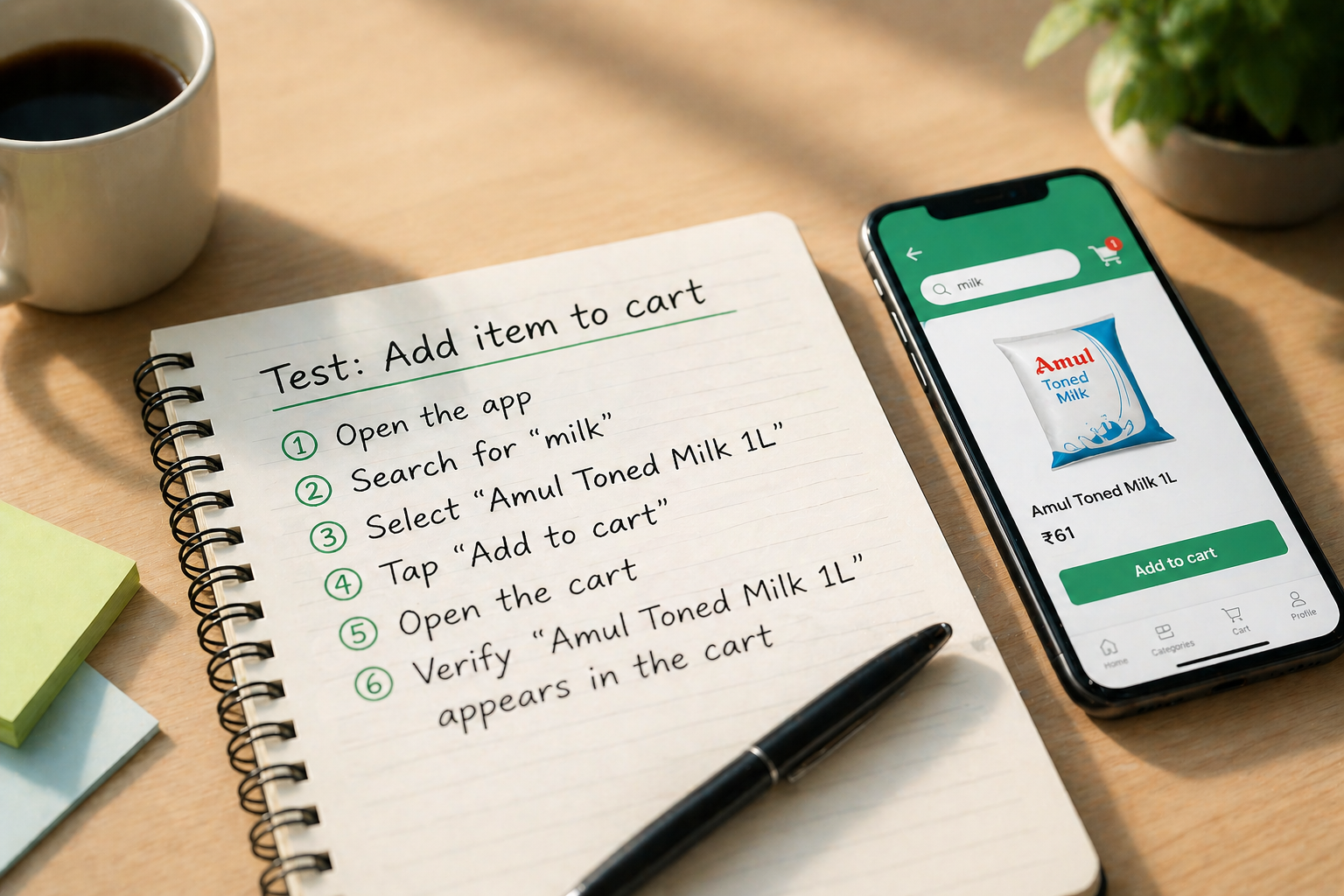
Select “Pizza” from the horizontal menuA Practical Example
Version 1:
Order a product and verify it worksVersion 2:
Search for “milk”
Open “Amul Toned Milk 1L”
Tap “Add to cart”
Open the cart
Verify “Amul Toned Milk 1L” appears in the cart
Common Failure Patterns
- Vague instructions
- Over-specification
- Missing assertions
- Hidden assumptions
- Ignoring UI language
The Iteration Loop
- Write the instruction
- Run it
- Fix the first failure
The Real Skill
The shift is from implementation thinking to behavior thinking.
Closing
Start with intent.
Observe behavior.
Add precision where needed.
Try Loadmill Droid CUA
Loadmill Droid CUA turns plain-English instructions into executable mobile tests that run on real devices, adapt to what appears on screen, and produce verifiable results.
If your team is spending too much time maintaining selectors or debugging flaky mobile flows, Droid CUA provides a practical path from intent to execution.
FAQ
What is plain-English test automation?
Plain-English test automation allows QA engineers to describe test scenarios using natural language instead of writing scripts with selectors and code. Tests define what should happen and what outcome to verify.
Is plain-English testing reliable for mobile apps?
Yes, when written correctly. Reliability depends on clear instructions, precise UI language, strong assertions, and handling dynamic UI behavior.
How is this different from no-code testing tools?
Most no-code tools still rely on selectors behind the scenes. AI testing agents interpret instructions, analyze screens visually, and decide actions dynamically.
Do I lose control compared to Appium?
No. Control shifts from selectors and scripts to instruction clarity, context, and expected outcomes.
When should I use plain-English tests instead of Appium?
When UI changes frequently, locator maintenance is high, or test creation speed is critical. Appium still works well for deterministic, low-level testing.
What makes a plain-English test fail?
Most failures come from vague instructions, missing assertions, unclear UI references, or missing context.
How do I get started with plain-English mobile testing?
Start with a simple flow like login or adding an item to cart. Write the test at a high level, run it, and refine only where needed.
Try Loadmill's Droid CUA now
Turn Jira stories, epics, and plain-English requirements into executable flows across web and mobile platforms.
Download now