What Actually Happens When You Introduce an AI Agent into a Real Workflow
Shachar Landshut
Co-founder @ Loadmill | Building agent-based testing (CUA) |
The Gap Between AI Agent Demos and Real Systems
AI agents are suddenly part of almost every product and engineering conversation. Demos are everywhere. Agents browsing interfaces, completing tasks, writing code, and navigating applications.
But most examples people see today are controlled environments designed to showcase what agents can do under ideal conditions. The more practical question teams are starting to ask is simple: what actually happens when an AI agent enters a real workflow?
The moment an AI agent moves from a demo environment into a real system, the nature of the problem changes.
Getting an AI agent to complete a task once is relatively easy. The real challenge is making that behavior reliable inside a real system.
Real software environments introduce factors that rarely appear in demos:
- Distributed services
- Asynchronous workflows
- Dynamic user interfaces
- Multiple dependencies across systems
These conditions introduce variability. A workflow that performs perfectly in isolation may behave very differently once it interacts with real infrastructure and real data.
Teams experimenting with AI agents often encounter the same moment. It is the first time the agent interacts with a production-like workflow. That is where the interesting questions begin.
Why Automation Has Always Been Difficult
This challenge is not unique to AI agents. It reflects a long-standing problem in software testing.
Traditional UI automation frameworks require engineers to write scripts tied to specific selectors, UI hierarchies, and implementation details. When those details change, which they frequently do in fast-moving product teams, tests break.
Maintaining those tests becomes a continuous effort. As a result, many teams still rely heavily on manual testing even when they know automation would provide faster feedback.
The issue is not that teams do not know what they want to validate. The difficulty lies in translating that intent into reliable automated workflows.
For a deeper look at this challenge, see Prevent Flaky UI Tests from Killing Your CI.
A Different Approach: Computer-Using Agents
Computer-Using Agents (CUAs) introduce a different model for building automation. Instead of writing scripts tied to internal implementation details, teams describe what they want to test using natural language.
For example: "Test the signup flow with valid and invalid email addresses."
From there, the agent explores the application, interacts with the interface, and generates a runnable test script based on what it observes.
Behind the scenes, the system:
- Captures screenshots of the application running in an emulator or simulator
- Sends the visual context and instructions to an AI model
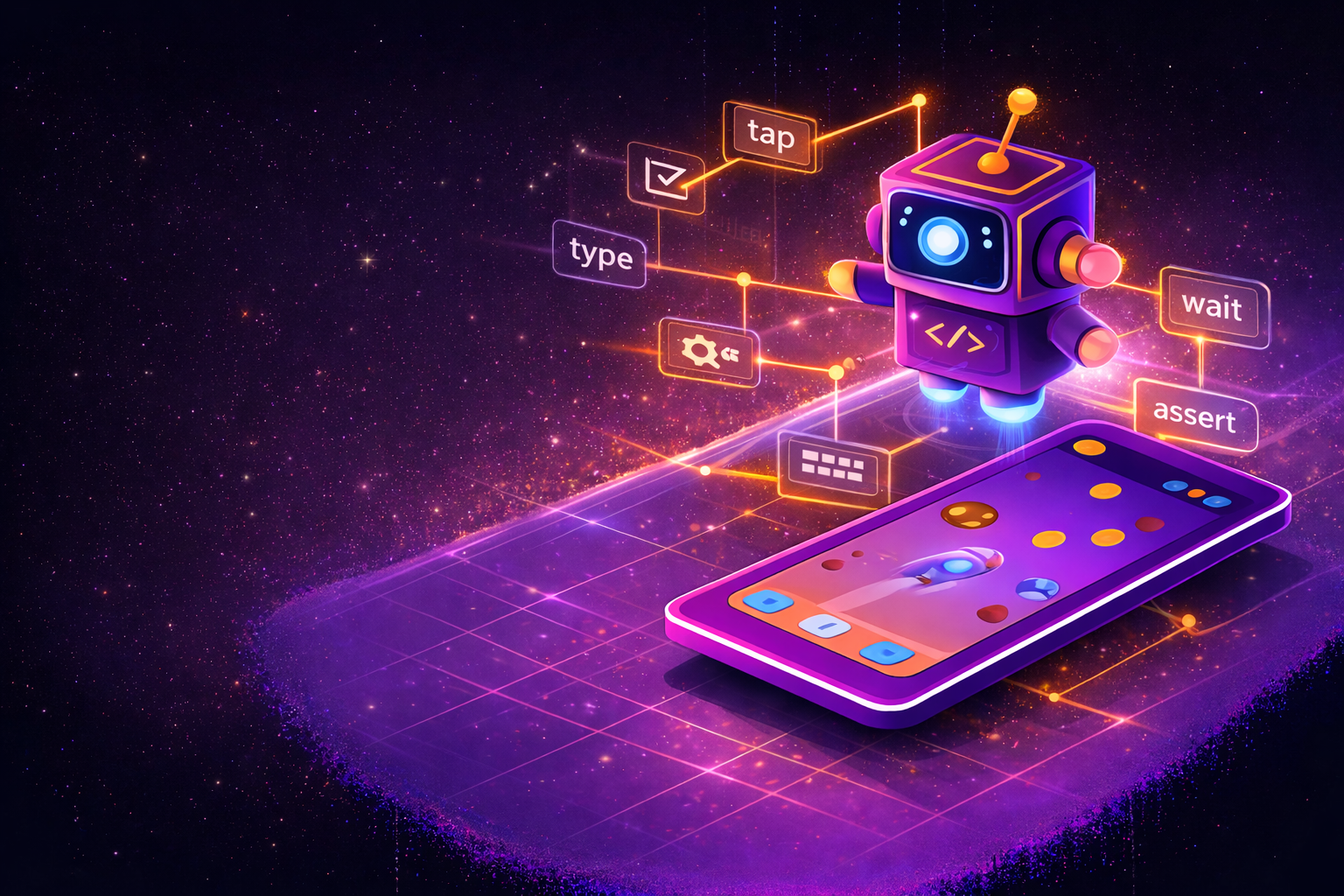
- Receives structured actions such as tap, type, scroll, or wait
- Executes those actions on the application
The result is not just a one-time interaction. The system produces reusable test assets that teams can review, edit, and run again.
You can learn more about how this works in modern testing workflows in AI-Powered Testing: Lessons from Real-World Customer Conversations.
This approach lowers the barrier to automation and allows teams to focus on test intent instead of script mechanics.
Where the Real Learning Happens
Even with this new approach, the most valuable insights do not come from simple demos. They appear when the AI agent interacts with real systems and real constraints.
Questions start to emerge quickly:
- How does the agent behave when a screen loads slowly?
- What happens when UI elements shift position?
- How does it navigate flows that depend on asynchronous responses?
- How does the system handle unexpected states?
These scenarios reveal the difference between technology that is interesting and technology that becomes operationally useful. Seeing those interactions in practice is often far more informative than watching another controlled demonstration.
Why Seeing an AI Agent Workflow Live Matters
The conversation around AI agents in software testing is evolving. Teams are moving beyond curiosity and asking practical questions.
- Where do AI agents fit in real workflows?
- How do they behave under real constraints?
- What does it take to integrate them into existing systems?
Answering these questions requires more than slides or theory. It requires seeing the system run.
On March 19, Angie Jones and Loadmill CEO Ido Cohen will build and run a test automation agent live and walk through how it behaves inside a real workflow.
Instead of focusing on conceptual architecture, the session will explore how the agent interacts with a real application and what teams learn when they introduce agents into their automation process.
You can register for the session here.
For additional context on modern automation strategies, see The UI Testing Dilemma (and a Better Way Forward) and Loadmill MCP in Action: The Future of Testing.
Closing Thought
AI agents are opening new possibilities for how teams interact with software systems.
But like every powerful technology, their true value emerges when they encounter real workflows, real systems, and real constraints.
That is where the most meaningful questions and the most valuable learning begin.
Try Loadmill's Droid CUA
Turn Jira stories, epics, and plain-English requirements into executable flows across web and mobile platforms.
Download now