A More Developer-Friendly Approach to Mobile UI Testing
Shachar Landshut
Co-founder @ Loadmill | Building agent-based testing (CUA) |
Mobile testing is moving closer to the everyday engineering workflow.
As teams build and release mobile features, they need ways to validate complete user journeys alongside the code, APIs, and infrastructure behind them. But mobile UI automation often remains a specialized discipline built around framework configuration, selectors, waits, and detailed interaction scripts.
That creates a gap between the behavior a team wants to validate and the work required to automate it.
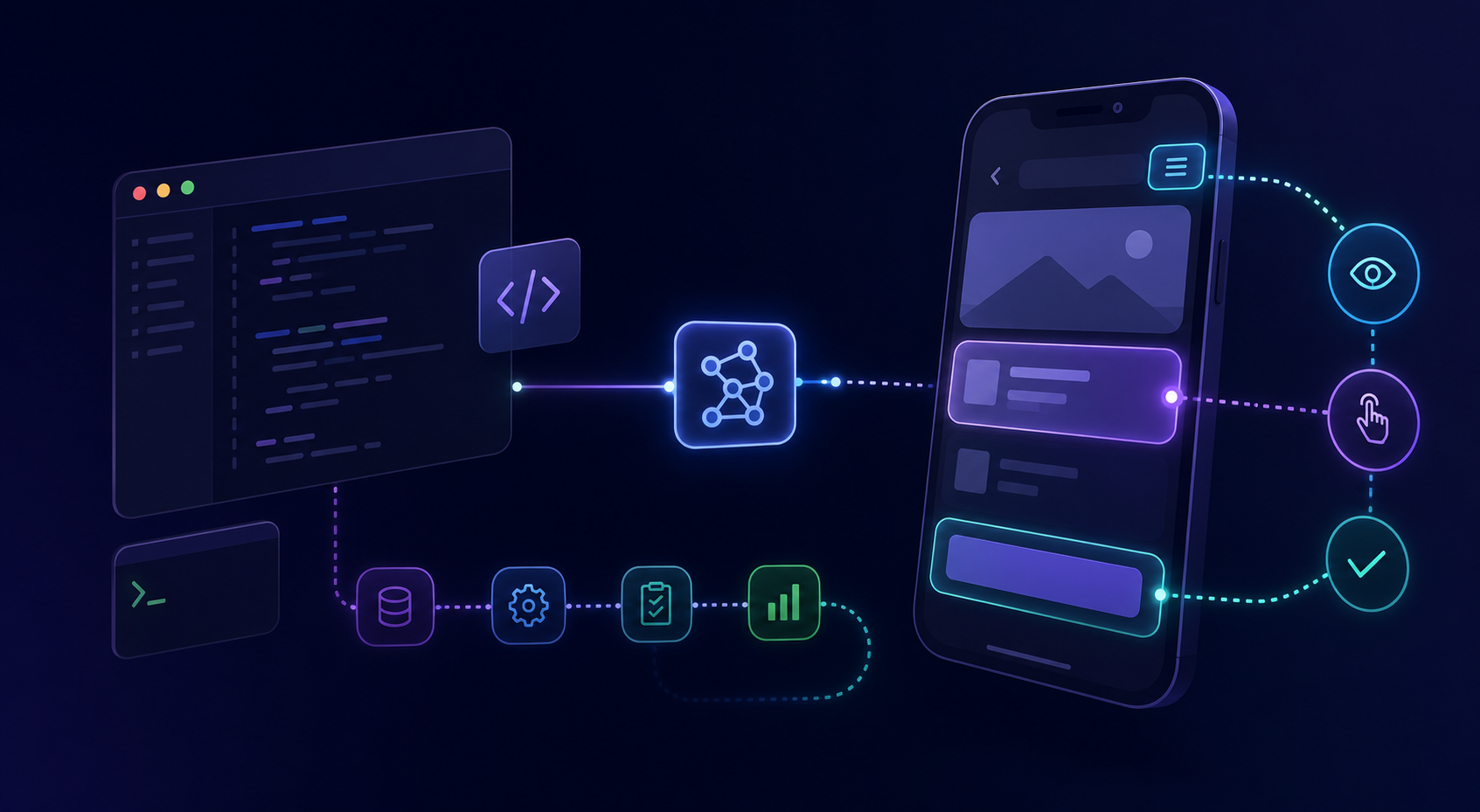
Computer-using agents offer a different approach. Instead of encoding every interaction in advance, teams can start with the intended user journey and let the agent interpret the live interface at runtime.
Mobile UI Testing Still Sits Outside the Development Flow
Many forms of validation already fit naturally into the software development lifecycle.
Unit tests live beside the code they exercise. API and integration tests can run automatically in CI. Static analysis, type checks, and security scans provide feedback before a change is released.
Mobile UI testing often feels different.
Before a meaningful user journey can be automated, someone may need to configure a framework, inspect the application hierarchy, identify elements, define waits, handle conditional screens, and write the exact sequence of interactions.
The result may be reliable and precise, but creating and maintaining it requires a workflow of its own.
This becomes especially noticeable when a team wants to add coverage for a newly developed feature. The intended behavior may already be clear, but turning that behavior into an executable mobile test introduces another translation step.
The Gap Between Feature Intent and Test Implementation
A feature requirement is usually expressed as an outcome:
A returning user should be able to sign in, find a saved item, and complete the purchase.
A traditional automated test needs a more detailed representation:
- Find the email field.
- Enter the user’s email.
- Find the password field.
- Enter the password.
- Find and tap the login button.
- Wait for the home screen.
- Open the saved-items section.
- Locate the correct item.
- Continue through checkout.
- Assert that the confirmation screen appears.
The first version describes what matters to the product.
The second describes how the automation framework should navigate the current implementation of the interface.
That difference is important. The more interaction logic a test contains, the more closely it is coupled to the application’s current structure.
A changed label, redesigned screen, new popup, or different loading sequence can require updates even when the underlying user journey has not changed.
Why UI Automation Requires So Much Translation
Explicit interaction scripts provide control. The test author determines which element to use, what action to perform, when to wait, and what result to expect.
That control is valuable, particularly for flows where deterministic behavior and precise low-level interactions are required.
But it also means that much of the intelligence behind the test must be encoded before execution begins.
The test generally needs to know:
- Which interface elements should appear
- How those elements can be identified
- Which action should be performed on each screen
- How the application moves from one state to another
- How long transitions may take
- Which alternative states or interruptions may appear
- What visible outcome indicates success
Mobile applications are dynamic environments. Content changes, permission prompts appear, keyboards cover controls, layouts move, and network conditions affect application state.
The intended behavior may remain stable while the path through the interface changes.
What Changes When an Agent Interprets the Interface
A computer-using agent moves some of the interaction logic from test authoring into test execution.
Instead of receiving a complete sequence of predefined UI operations, the agent receives a goal and observes the current screen. It decides what action to take, executes that action, observes the new state, and continues toward the expected outcome.
The execution becomes a loop:
- Observe the current interface.
- Interpret the scenario and application state.
- Choose the next action.
- Execute the action.
- Evaluate the resulting screen.
- Continue until the expected result is reached or the flow fails.
The scenario can remain close to the feature intent:
Change the application language, search for a destination, select the required dates, and verify that the localized experience remains usable throughout the flow.
The agent determines how to complete that scenario against the application as it currently appears.
The point is not simply that an AI model can tap, type, or scroll. The meaningful change is where decisions about those interactions are made.
In a traditional script, most of those decisions are encoded in advance. With an agent-based test, some are made at runtime based on the visible interface and the goal the test is trying to achieve.
From a Testing Goal to an Executable Mobile Test
The following demo shows Droid CUA turning a plain-English testing goal into an executable Android test against a live application.
The scenario focuses on localization in Airbnb. The agent interprets the current interface, works through the user journey, and creates a reusable flow without requiring the complete interaction path to be encoded in advance.
The localization scenario is useful because it highlights the difference between fixed interaction instructions and runtime interpretation.
Labels, content, and layouts can change when the language changes, even though the intended user journey remains the same. An agent can work from that stable intent while evaluating the interface it actually encounters.
This does not make every execution automatically reliable. It changes the level at which the test is expressed and reduces the need to define every UI action before the test begins.
What Teams Still Need to Define
Starting from intent does not mean removing structure from testing.
An agent still needs a clear description of the behavior it should exercise and the result it should verify.
Teams still need to define:
- The user journey
- Relevant accounts and application state
- Test data
- Important preconditions
- Expected outcomes
- Assertions
- Environment requirements
- Failure conditions
A vague instruction such as “test the localized app” leaves too much room for interpretation.
A stronger scenario might say:
Change the application language to Spanish. Search for a stay in Barcelona for the specified dates. Open the first available result and verify that the main booking information is displayed in Spanish without blocking or overlapping controls.
The interaction path does not need to prescribe every tap, but the behavior and expected result still need to be explicit.
The technical work shifts from describing the mechanics of each UI operation toward describing behavior, context, and observable outcomes.
Making Agent-Executed Tests Observable and Repeatable
An agent completing a flow once is a demonstration. An agent-executed test needs to support an engineering workflow.
That requires visibility into what happened during execution.
Useful test output can include:
- The scenario provided to the agent
- The actions the agent selected
- Screenshots of relevant application states
- Execution logs
- Assertions and their results
- Failure context
- Run history
- Output that can be consumed by CI systems
Droid CUA tests can be saved as reusable test flows and rerun locally or through command-line and CI workflows.
These capabilities matter because a useful engineering test needs to provide more than a pass-or-fail signal.
When a test fails, the team needs enough context to determine whether the application failed, the environment was unavailable, the instruction was ambiguous, or the agent misinterpreted the interface.
Agent-based execution changes how the interaction path is produced, but it does not remove the need for debugging, evidence, or clear completion criteria.
Localization Shows Why Runtime Interpretation Matters
Localization is a particularly useful example of the limits of tightly encoded interaction paths.
Changing the language of an application can affect much more than the visible text:
- Labels may become longer or shorter
- Buttons may move, resize, or wrap
- Content order may change
- Right-to-left languages may reverse the layout
- Popups and region-specific messages may appear
- The same destination or product may be described differently
A test that depends heavily on one exact hierarchy or set of labels may require separate adjustments for each variation.
An intent-based scenario can preserve the same goal across these interface changes:
Search for the destination, select the dates, open an available result, and verify that the booking information is presented correctly in the selected language.
The stable part is the behavior being validated. The interface-specific path can be interpreted during execution.
This does not eliminate the need for localization-specific assertions. It makes it possible to separate the purpose of the test from some of the mechanics required to navigate each localized interface.
How This Fits Alongside Existing Mobile Automation
Agent-based mobile testing does not require teams to discard every existing test or automation framework.
Explicit automation remains useful when:
- Exact programmatic control is required
- The interaction is highly deterministic
- The existing test is stable and inexpensive to maintain
- The flow depends on specialized framework behavior
- Low-level application or device control matters more than adaptability
Agent-based testing may be worth evaluating when:
- A user journey changes frequently
- Selector maintenance consumes disproportionate time
- Important flows remain uncovered because they are expensive to automate
- Teams want to create tests closer to feature intent
- The same scenario must work across different languages or interface states
- Mobile validation needs to fit more naturally into local and CI workflows
The two approaches can coexist.
A team might retain deterministic scripted tests for stable, low-level cases while using agent-executed tests for broader journeys, dynamic interfaces, and scenarios that would otherwise require significant interaction code.
For a deeper comparison of these execution models, read Appium vs. AI Testing Agents: What Actually Changes?
Starting With One Real User Journey
The most practical way to evaluate an agent-based approach is not to recreate an entire regression suite.
Start with one meaningful journey.
Choose a flow that:
- Represents real user behavior
- Has a clearly visible outcome
- Is currently uncovered or expensive to maintain
- Includes enough UI variation to test the agent’s adaptability
- Can run against a controlled account and environment
A localization flow can be a useful starting point because the intended behavior remains consistent while labels, content, and layouts change.
Describe the scenario in product language, define the expected result, and run it against the live application.
Then evaluate more than whether it passed:
- Did the agent interpret the scenario correctly?
- Did it adapt to the localized interface?
- Were its actions understandable?
- Was the expected outcome properly verified?
- Would a failure be easy to investigate?
- Could the test be reviewed and rerun?
- Would it provide useful feedback in CI?
- Did it reduce interaction-level implementation work?
This creates a more realistic evaluation than testing whether an agent can complete a simple, fixed sequence of taps.
Mobile Testing Closer to How Software Is Built
Mobile UI testing does not need to become less technical to become more accessible within the development workflow.
It needs to fit more naturally into the way engineering teams describe features, review changes, run checks, and investigate failures.
Computer-using agents make it possible to start from intended behavior and interpret more of the interaction path at runtime. Tests can remain close to product intent while still producing reusable execution assets and verifiable results.
The shift is not from engineering discipline to effortless automation.
It is from encoding every interaction in advance to defining the behavior, context, and evidence that matter.
For teams building mobile applications, that may provide a more practical path from feature intent to meaningful UI coverage.
Try Droid CUA With a Real Mobile Journey
Droid CUA lets teams create, run, and manage mobile tests from natural-language scenarios. The agent operates the live application interface and generates reusable test flows that can be reviewed, saved, and rerun.
Start with one user journey your team wants to validate and see how the agent handles it.
Try Loadmill's Droid CUA
Turn Jira stories, epics, and plain-English requirements into executable flows across web and mobile platforms.
Download now